Windows XP Mod
A downloadable Windows Mod for Windows
Step Into a Time Machine
Let's be real: modern Windows sucks. It is bloated, cluttered with forced telemetry, filled with ads in the start menu, and stripped of the personality that made desktop computing fun in the first place.
This complete transformation suite is built for retro enthusiasts, nostalgic power users, and anyone who misses when an operating system was just a great tool, not a service trying to sell you something. It bridges classic early-2000s aesthetics with current hardware, turning your desktop into a pixel-perfect recreation of the legendary Windows XP Luna experience.
Instead of forcing you to hunt down dead links, broken patchers, individual .ico files, or risky registry hacks from sketchy forums, this project packages the entire experience into a clean, modular, and fully automated toolkit. With a single deployment sequence, you get the warm bliss of blue title bars, iconic startup chimes, and full-fidelity retro visuals back on your daily driver.
Key Features & What's Inside
Complete Visual & Interface Overhaul
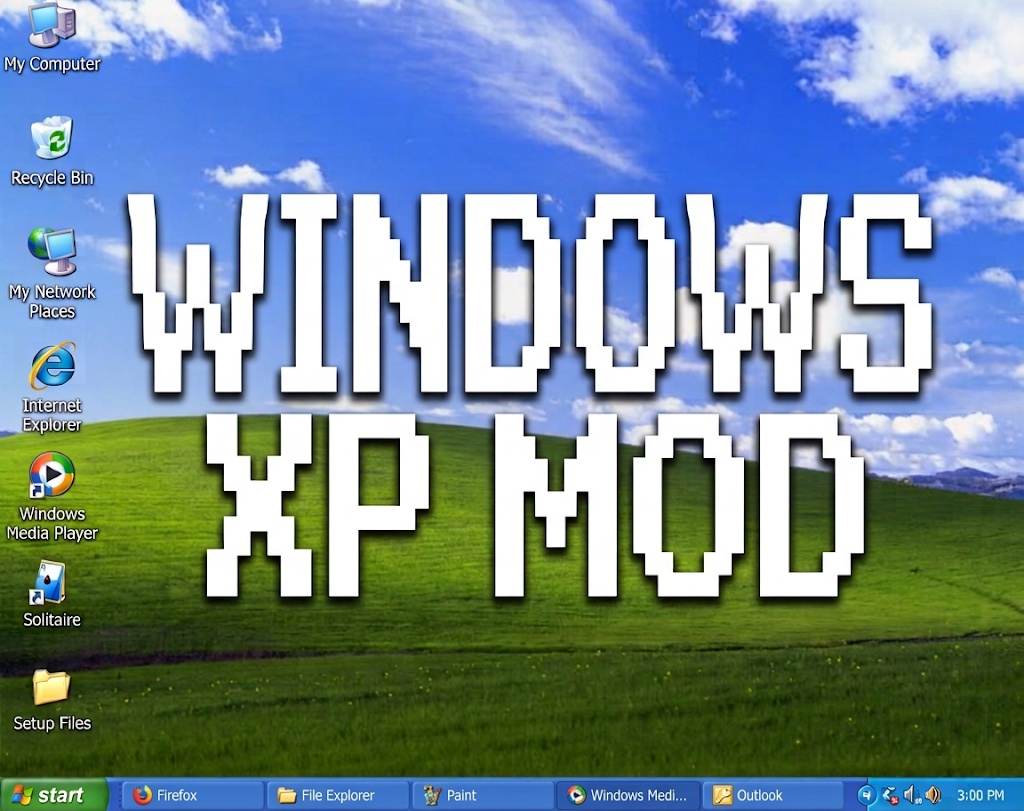
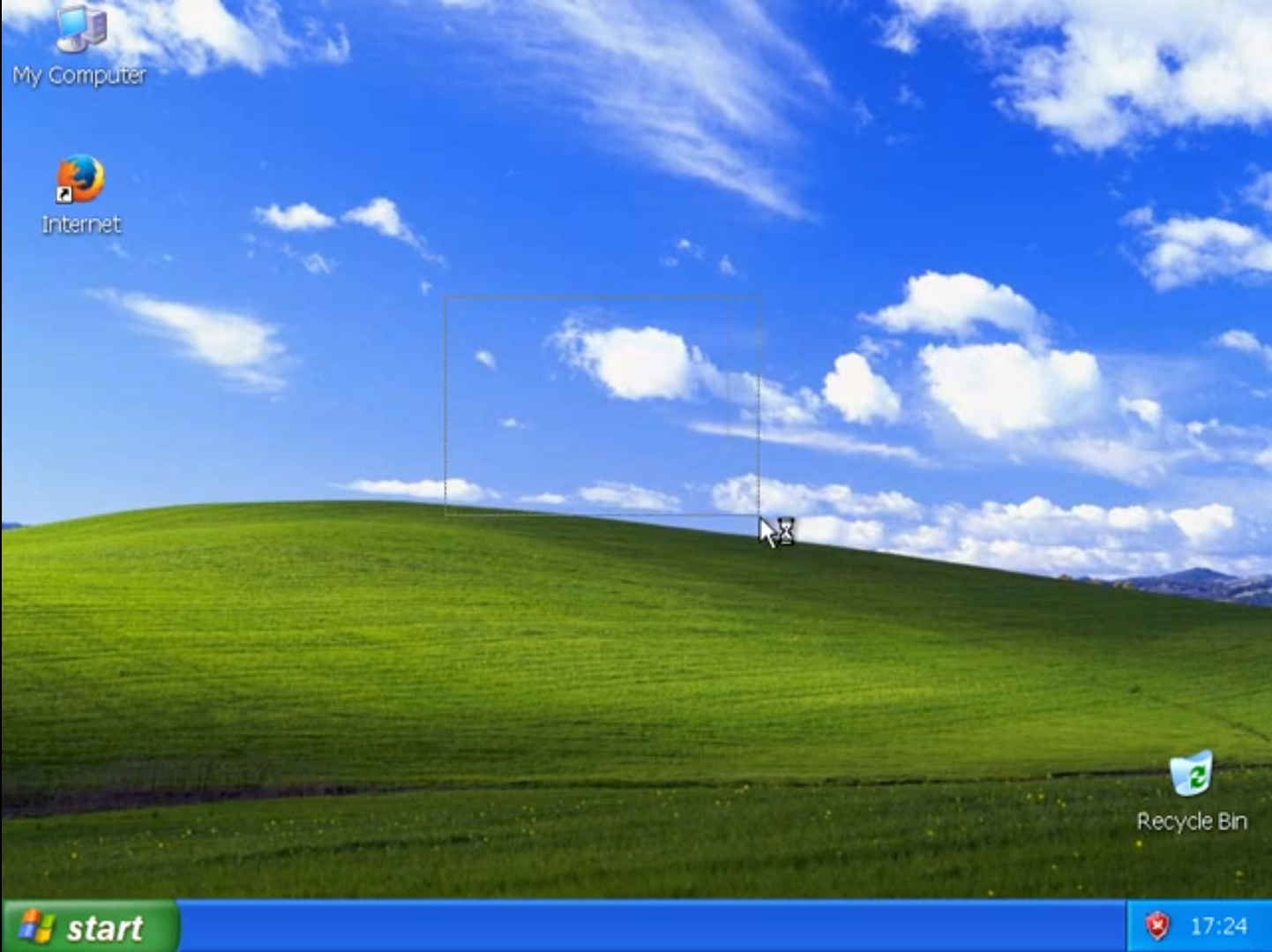
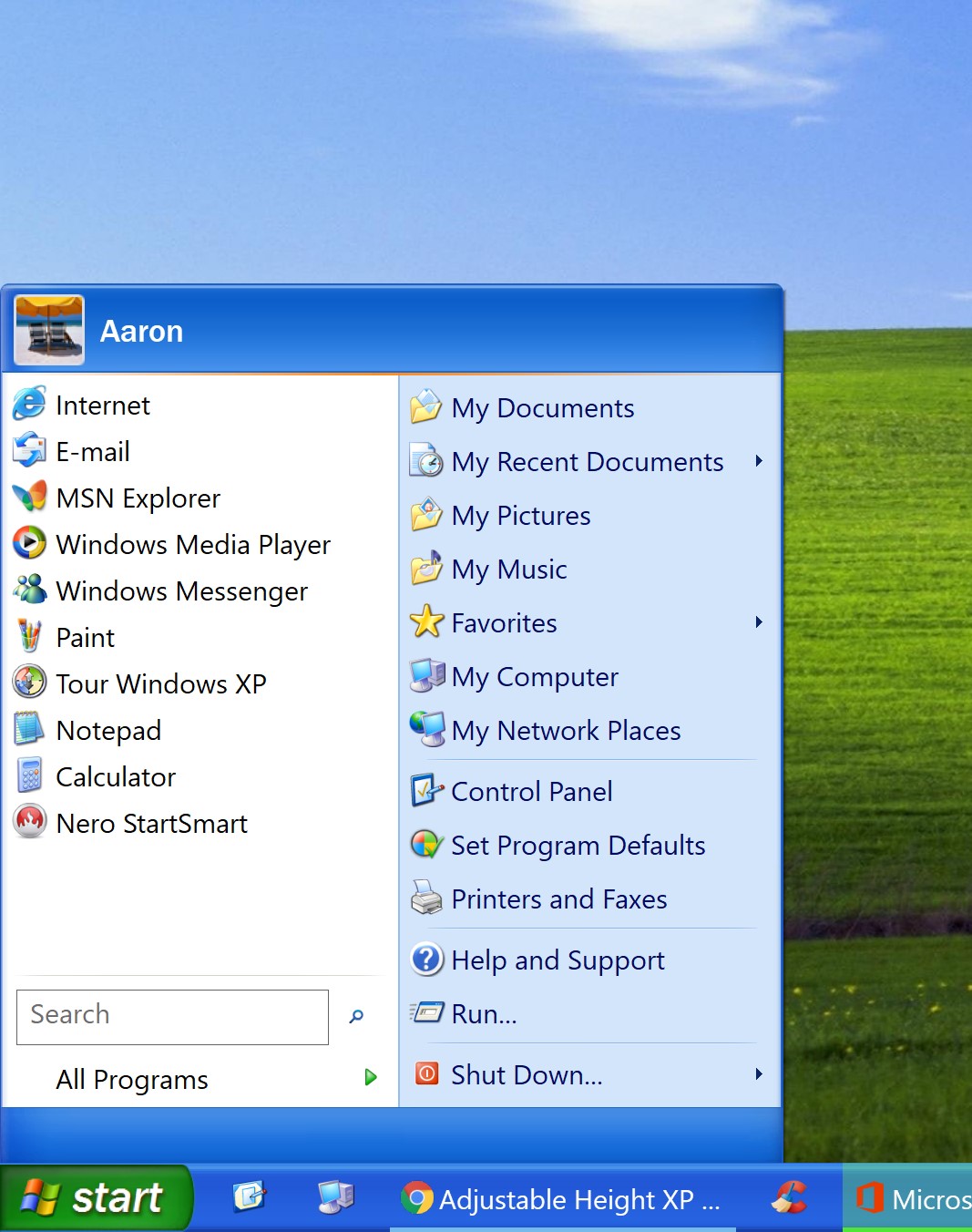
- Authentic Luna Aesthetic: Replaces modern window chrome and shell elements with high-definition reproductions of the original blue Luna theme, taskbar styling, and Start menu geometry.
- Pixel-Perfect Icon Library: System-wide icon replacements covering My Computer, Network Places, Recycle Bin (Full & Empty), core directory folders, drive volumes, and legacy application shortcuts.
- Complete Cursor Suite: Full integration of original Windows XP pointer schemes, including legacy precision crosshairs, text selectors, and the classic animated busy states.
- Classic Typography: Re-maps system interface font fallbacks to classic Tahoma and Trebuchet MS for dialog boxes, context menus, tooltips, and file labels.
Nostalgic Audio & Screen Savers
- Full Audio Restoration: Replaces modern system events with the original high-bitrate XP sound scheme, including the iconic startup tune, shutdown sequence, device connection chimes, critical error alerts, and balloon notification pops.
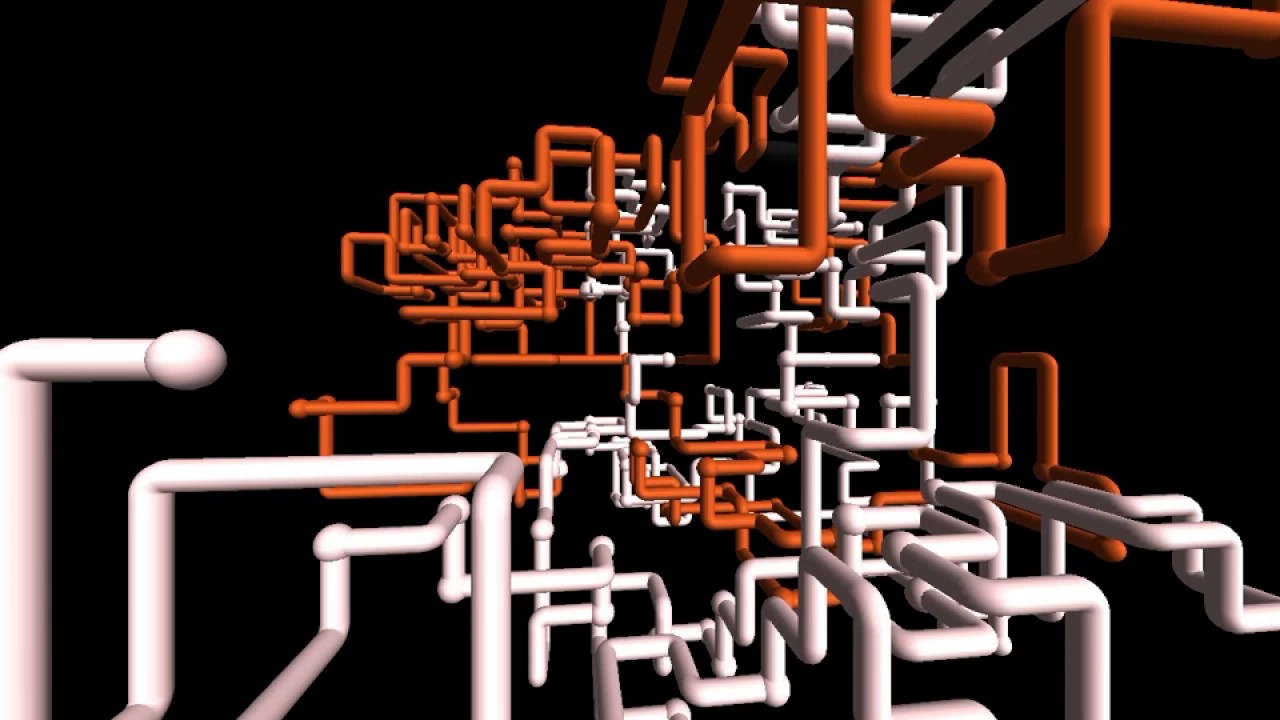
- 11 Native Screen Savers: Fully ports and registers classic System32 screen savers, allowing you to run 3D Pipes, 3D FlowerBox, Mystify, Marquee, Starfield, and the classic XP Logon animation directly on modern displays.
Enterprise-Grade Automated Deployment
- 14-Step PowerShell Installer: Powered by an advanced
Setup.ps1script that sequentially handles winget dependency downloads, directory extraction, registry-level environment overrides, and asset placement without requiring manual file moves. - Modular Component Control: Features interactive toggles during setup, giving you complete freedom to install only what you want—whether that is just the sound pack, the cursor set, or the full visual overhaul.
- Elevated System Integration: Executes with clean Administrator privileges to seamlessly update protected shell keys and register environment variables correctly.
Built-In Safety & System Recovery
- Automated System Restore Point: Automatically triggers a dedicated Windows Restore Point prior to making any registry or file-system changes, ensuring total peace of mind.
- Interactive Step-by-Step Prompts: Keeps you informed at every stage of execution with clear terminal readouts and confirmation prompts.
- Seamless Uninstallation Routine: Includes a dedicated rollback function that restores your default OS settings, stock registry keys, and modern audio profiles whenever you choose.
Technical Requirements
- Operating System: Windows 10 or Windows 11 (64-bit editions)
- Execution Environment: PowerShell 5.1 or newer running with Administrator privileges
- Network: Active internet connection required during setup for winget component retrieval
Quick Start Guide
- Download the release archive and extract all files to a local directory.
- Right-click PowerShell and select Run as Administrator.
- Navigate to your extracted folder and run
.\Setup.ps1. - Select your preferred components through the interactive prompts and let the automated installer handle the rest.
- Reboot your PC when prompted to complete font loading and shell registration.
Purchase
In order to download this Windows Mod you must purchase it at or above the minimum price of $3.98 USD. You will get access to the following files:
Leave a comment
Log in with itch.io to leave a comment.